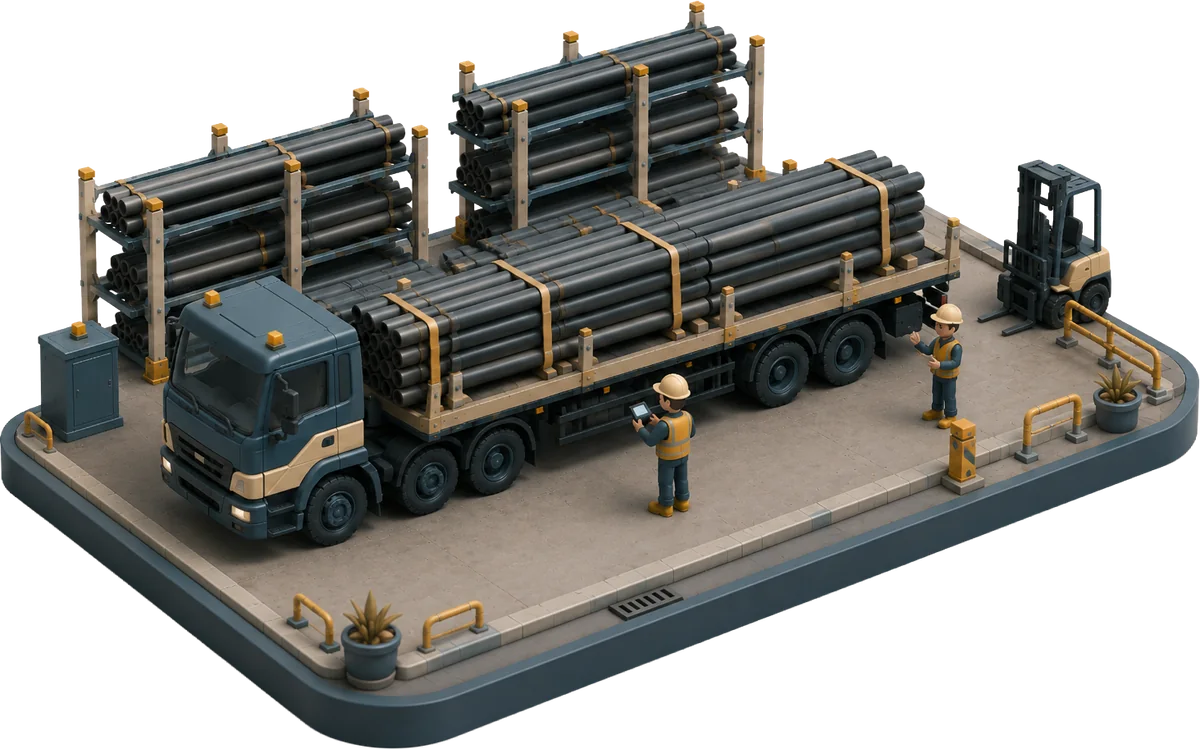
In on a receipt. Out with a signature.
The dock sees what's expected in and what's ready to go out. Every shipment leaves with a BOL and a driver's signature, built from the order it carries.
Shipping shouldn't be the hardest part of your day
The material is ready. Getting it in and out the door is where the clipboards take over.
Today's trucks are planned on a whiteboard or a spreadsheet, and one change means redrawing the board. Nobody outside the dock knows what's going out or when.
The order lives in one screen and the BOL template in another. Every shipment means re-keying pieces, weights, and addresses, and every re-key is a chance to ship it wrong.
The signed page comes back whenever the driver does, if it comes back at all. Until then you can't bill with confidence, and a dispute is one person's word.
Material moves between yards and plants, and the count goes soft. The freight bill lands in a catch-all account instead of on the steel that rode the truck.
This is what Fion fixes, inbound and outbound.
The dock knows what's coming.
Everything expected shows before it arrives: open PO lines with promised dates, pre-receipts, customer returns. Receive it with a barcode scan, capture the carrier and inbound BOL on the receipt, and the material lands in stock carrying its purchase cost.
- Expected inbound with promised dates
- Barcode receiving straight off the truck
- Carrier and BOL captured on every receipt
From the queue to the truck to the signature.
Everything marked ready to ship lands in the shipping queue for its destination. Build the shipment straight from the queue, and complete it with the driver's name and a signature. The BOL comes off the shipment itself, and billing starts as the truck leaves.
- A shipping queue for every ship-from and ship-to
- Signed proof of delivery on every completed shipment
- BOL printed or emailed from the shipment record
A name and a signature on the record, and the invoice is teed up before the truck is off the lot.
Big orders, many trucks, one job.
When an order takes more than one truck, a shipping job coordinates the shipments under it, so three loads read as one piece of work. Transfers between your own locations run as shipments too, and the freight cost lands on the material that rode the truck, not in a catch-all account. Inside the yard, move orders track every move down to the rack, bay, or bin.
- Shipping jobs coordinate multi-truck orders
- Move orders for in-yard moves, down to rack, bay, or bin
- Freight cost lands on the material it moved
The record closes when the truck leaves.
Completing a shipment takes a carrier, a name, and a signature. The BOL prints or emails from the record, the shipment locks read-only, and a delivery dispute stops being one person's word against another's. It's on the record, dated and signed.
- Driver name and electronic signature at completion
- What shipped, to whom, on what truck, in one record
- Release authorization when the pickup needs one
The dock with Fion vs. without
- Loads planned on a whiteboard
- BOLs typed into a template
- Proof of delivery rides in the truck
- Transfers vanish between locations
- Freight cost lost in a catch-all account
- A shipping queue of everything ready to go
- BOLs auto-generated from the shipment
- A name and a signature on every completed load
- Transfers ship from one location and receive at the other
- Freight cost lands on the material it moved
Common questions about logistics in Fion
Does Fion generate the BOL?
Yes. The BOL comes off the shipment record itself, printed or emailed, so nothing gets retyped into a template.
How is delivery proven?
Completing a shipment captures the driver's name and an electronic signature, and the record locks read-only. A dispute stops being one person's word against another's.
How do transfers between locations work?
They run as shipments: ship from one location, receive at the other, with the freight cost landing on the material that rode the truck. Inside the yard, move orders track every move down to the rack, bay, or bin.
What lands in the shipping queue?
Everything marked ready to ship, organized by ship-from and ship-to. Build the shipment straight from the queue.
Does Fion do GPS tracking or route optimization?
No. Fion runs the queues, the BOL, the signature, and the freight cost on the material. Your carriers run the roads.
See the dock without the clipboard
Walk through receiving, shipping, and transfers with your own routes and carriers.